
GodotUO
Classic Ultima Online on Godot 4 .NET. One repository to build, play and manage your client on the desktop, on your phone and on your Steam Deck.
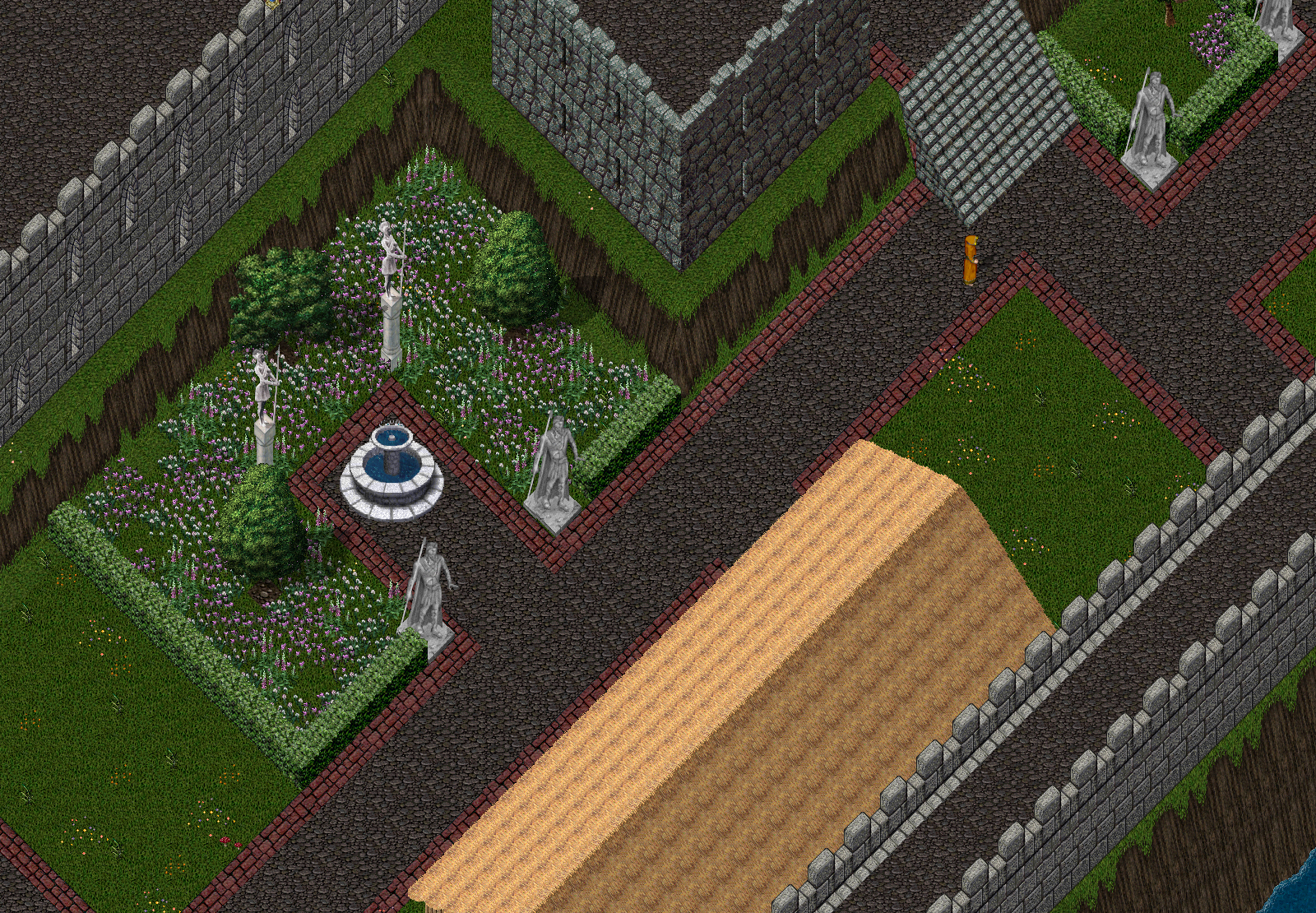
What it is
GodotUO carries ClassicUO's C# across to Godot: the network stack, the file readers and the game logic as they are, with only the renderer, input and audio rebuilt on the engine. The aim is identical behaviour first and improvements second.
You bring your own Ultima Online install. No game data is in the repository or in any build. The client reads your install in place and never writes to it.
Platforms
Windows
playslaunchers\game\play.bat, or a build from the release workflow.
Android
debug buildTouch controls, centred screens, soft keyboard and dual-screen devices. Android build
Steam Deck
reaches loginExport, install over ssh and a Steam shortcut, from one launcher folder.
Web
blocked upstreamGodot 4.7 cannot export C# to the web yet; the pipeline is ready for when it can.
Start in four steps
launchers\pipeline\00_bootstrap.bat          fetch the pinned engine and upstream
copy launchers\_shared\config.local.bat.example launchers\_shared\config.local.bat
launchers\dev\smoke.bat                      check that everything resolves
launchers\game\play.bat                      play
Set UO_CLIENT_DATA to your install in config.local.bat. The client connects to 127.0.0.1:2593 unless you set UO_SHARD_HOST. See the dev shard for a local server to play on.
Learn more
Architecture
How the port is split into verbatim, shim and rewrite tiers.
Configuration
Every setting, and the order they resolve in.
Launchers and tools
One folder per job, one obvious launcher.
FAQ
Data, shards, licences and what "ported" means.